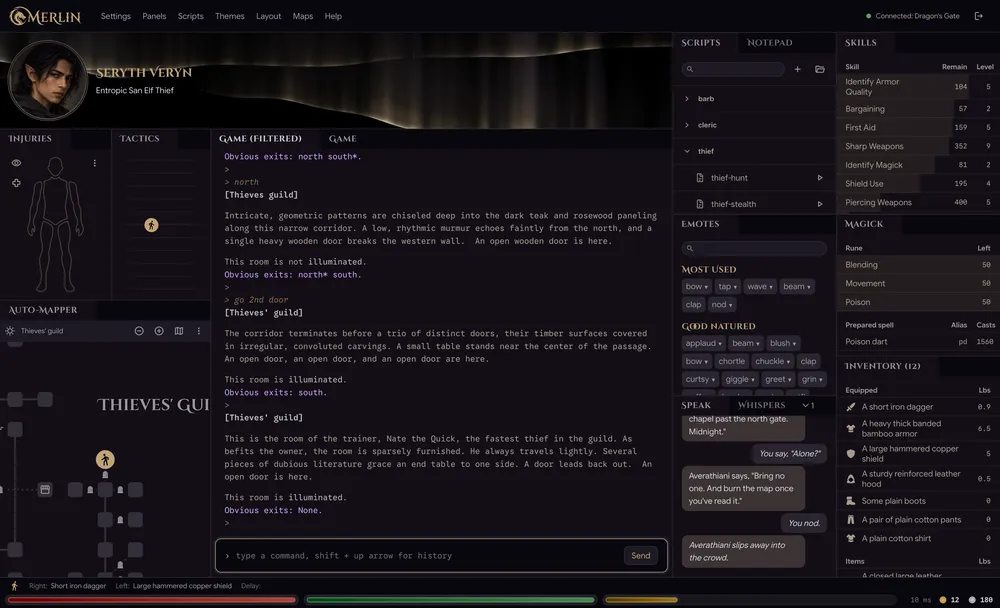
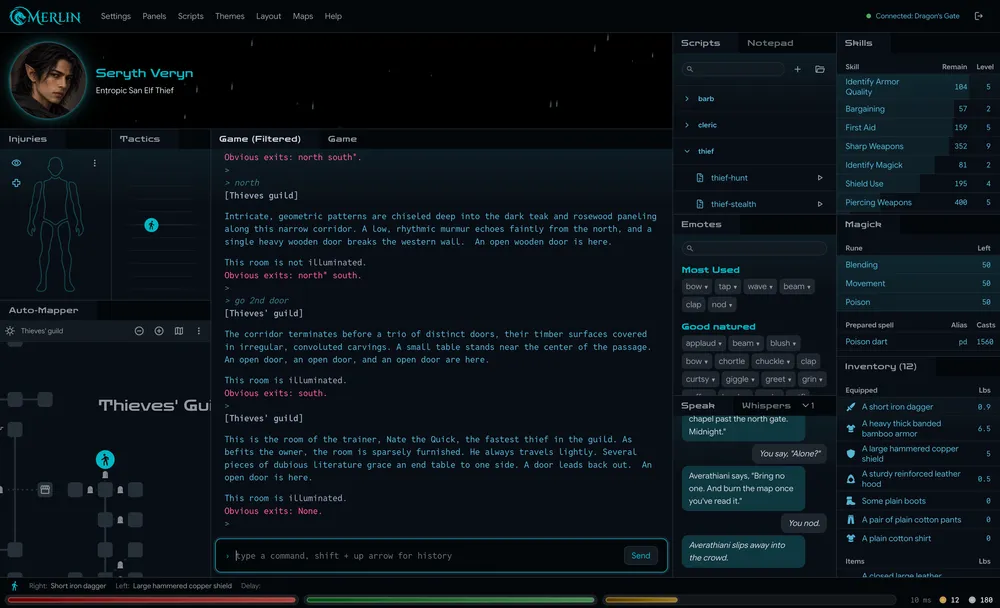
The Game Window
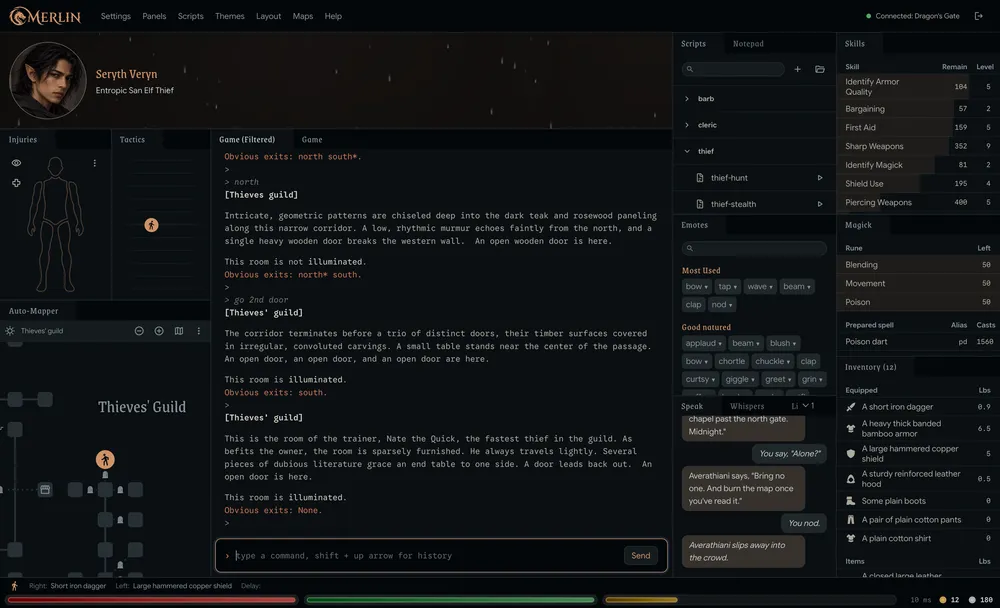
The game in the middle, and panels around it that help you play. The map, your pack, the fight, your character. Arrange them your way and save the layouts per character.
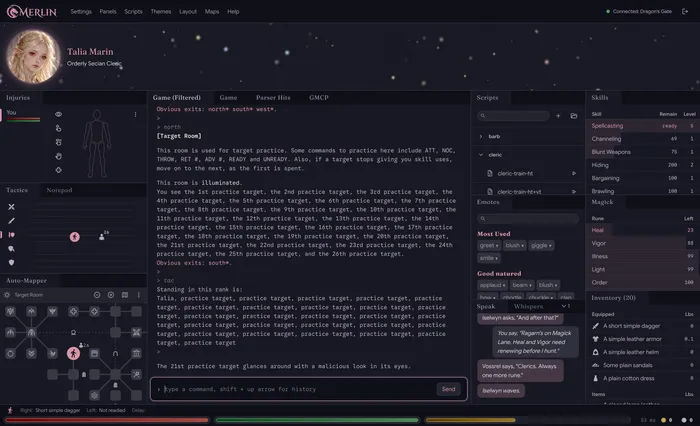
Merlin is a desktop client for classic text games, starting with Dragon's Gate. It reads the game's text and fills in customizable panels that put you in control.
Free beta for macOS, Windows and Linux. Made for Dragon's Gate.
The game in the middle, and panels around it that help you play. The map, your pack, the fight, your character. Arrange them your way and save the layouts per character.
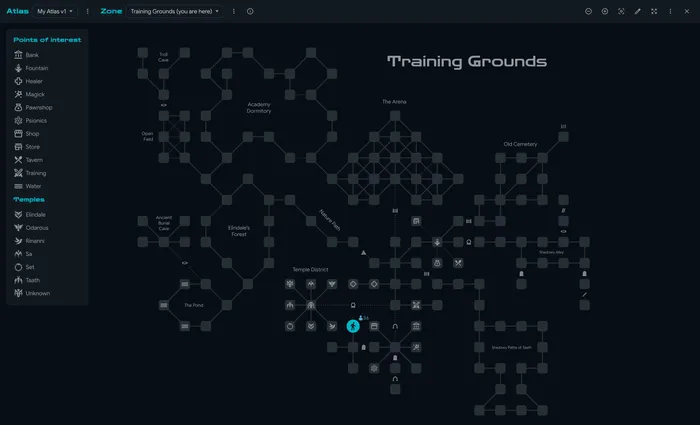
The map draws itself as you explore. Click any room and Merlin walks you there, waiting out roundtime and retrying blocked steps for you.
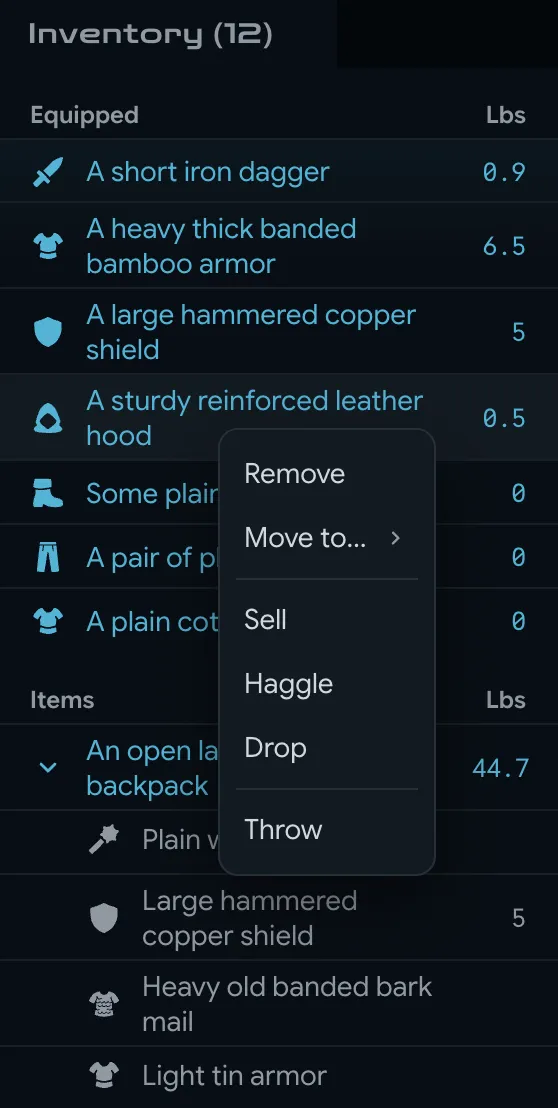
Everything you wear and carry, in two tables. Click a bag to look inside, drag an item to wear it or stash it, and right-click to sell, haggle or repair.
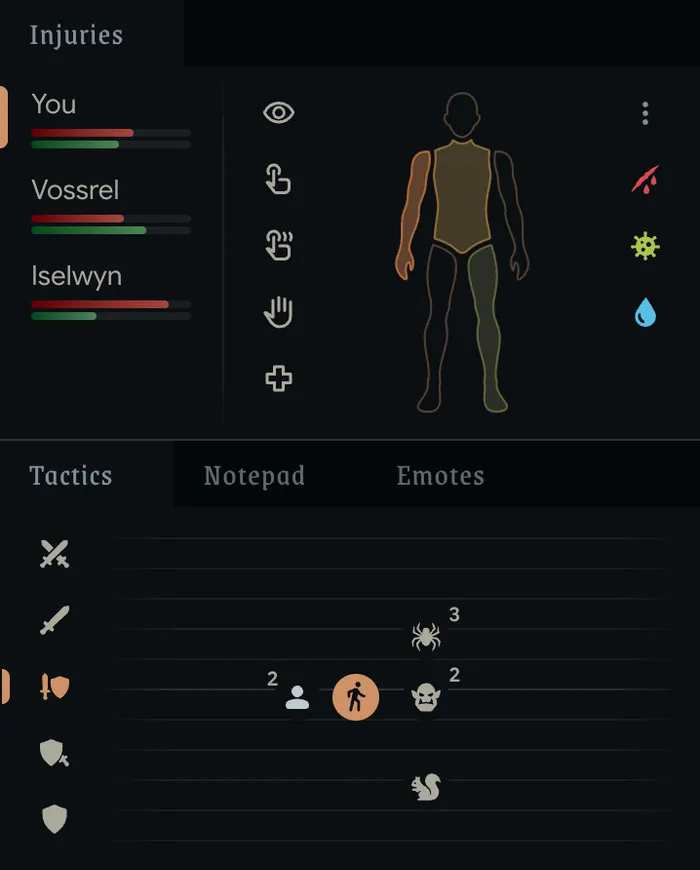
Who stands where, in front of you and behind. Click a rank to advance or retreat, click a creature to close in, and change stance in one click.
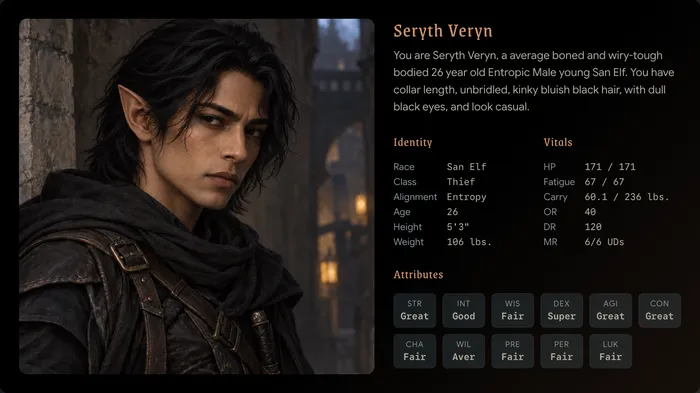
Your character's portrait, description, attributes and vitals on one card. Add your own picture, then copy, save or share it.
Merlin uses a custom simplified scripting language that reads like what it does. Scripts wait their turn for roundtime, walk with the map, perform repetitive actions, and stop when you say. New to scripting? Give your AI Merlin's guides and it will help you write them.
// Rest until fully rested, then stand back up
send lie
send rest
repeat
pause 30
until You are fully rested
send stand
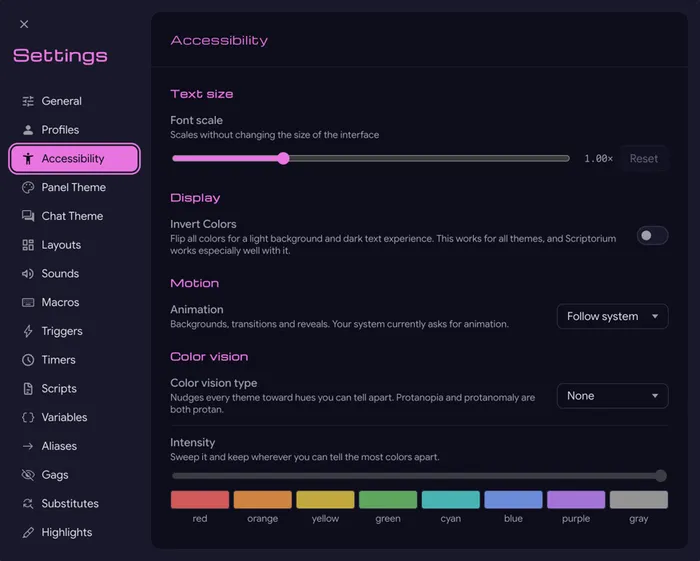
Make Merlin your own. With layouts, themes and sounds saved per character. Common MUD actions like triggers, scripts, aliases, highlights and gags let you take control of your experience and character.
24 built-in themes, from fantasy to sci-fi, customizable to suit your style. Set them per character so they auto-swap when you log in.
The guides from Merlin's Help menu, kept in step with each release.